

Documentation
How to use referDot — browse community-verified deals, share codes, and help others save.
Overview
referDot is a community marketplace for real promo codes and deals. Members browse offers by store or category, copy codes at checkout, and vote on whether an offer worked — so the best deals rise to the top.
- No account required to browse and copy many codes; some actions (submitting, bookmarks, profile) need a free account.
- New submissions may be reviewed before they appear publicly, depending on platform settings.
- Running a business referral program? See referDot Pro docs or the Pro overview.
referDot Pro
referDot Pro gives businesses a private workspace at referdot.com/#your-slug for unique client referral codes, in-store lookup, rewards, and team seats.
- Marketing & trial: /pro
- Step-by-step setup: /docs/pro/setup
- Full guide with examples: /docs/pro
- Example: import clients with phone codes → front desk opens Code lookup → log “Redeemed in store.”
Account & sign-in
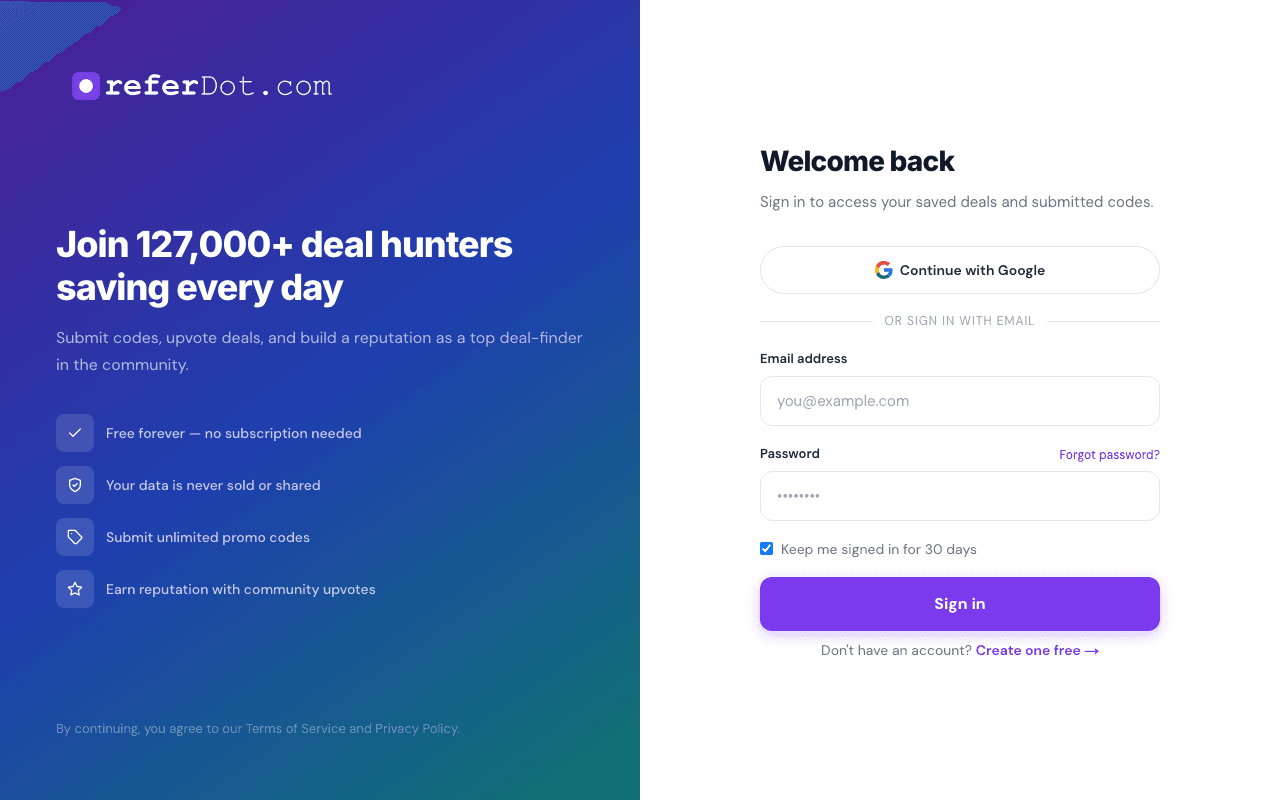
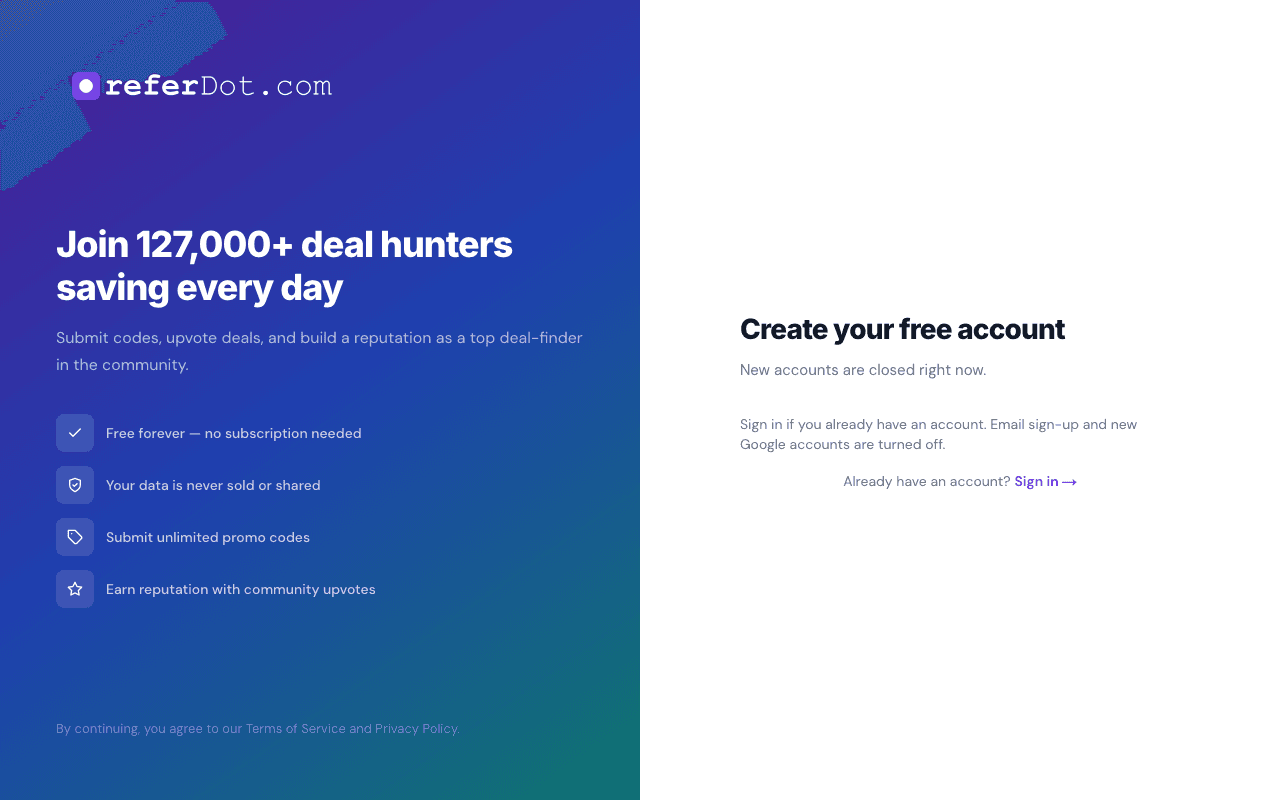
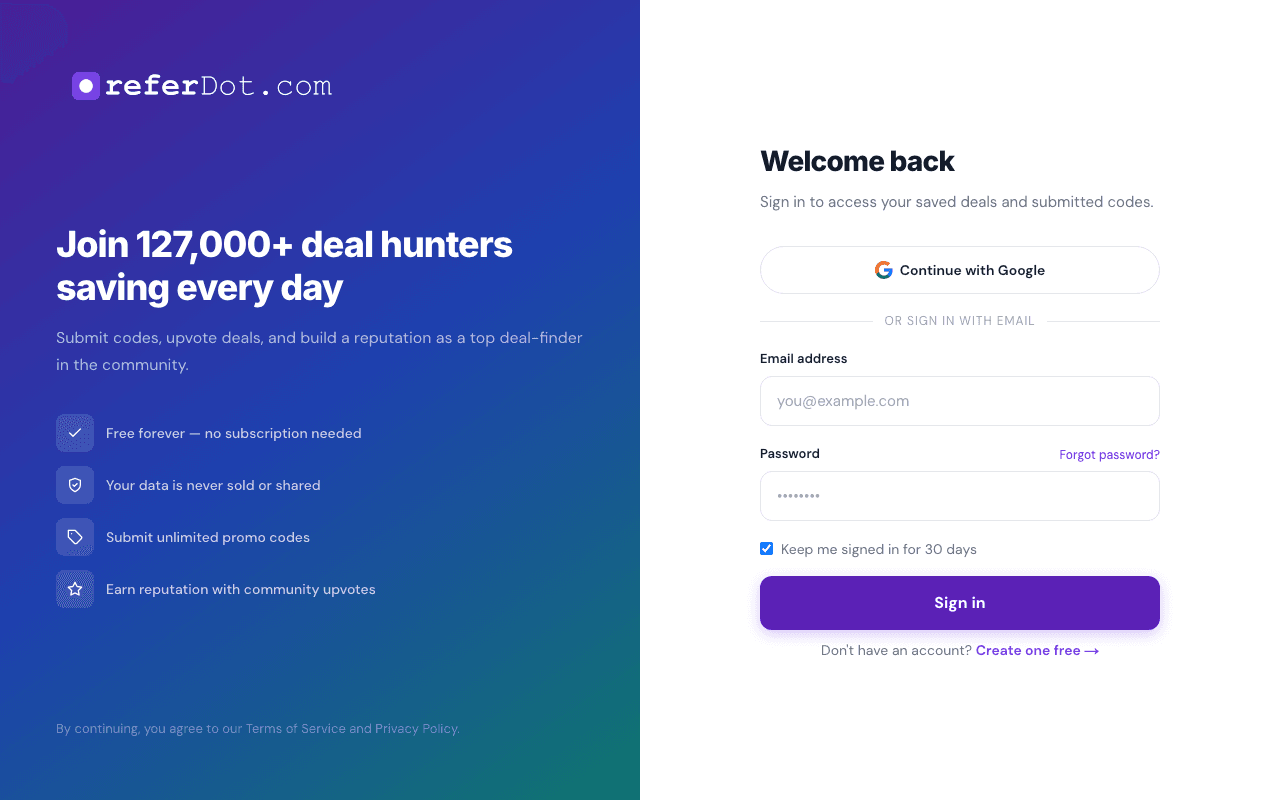
- Create an account with Register or sign in from Log in.
- You can use email and password and often Google sign-in where enabled. When the site requires it, or you turn it on from your profile, the next step is a text code.
- Verify your email when prompted — you may see a banner until verification completes (needed for some actions and security).
Browse & home
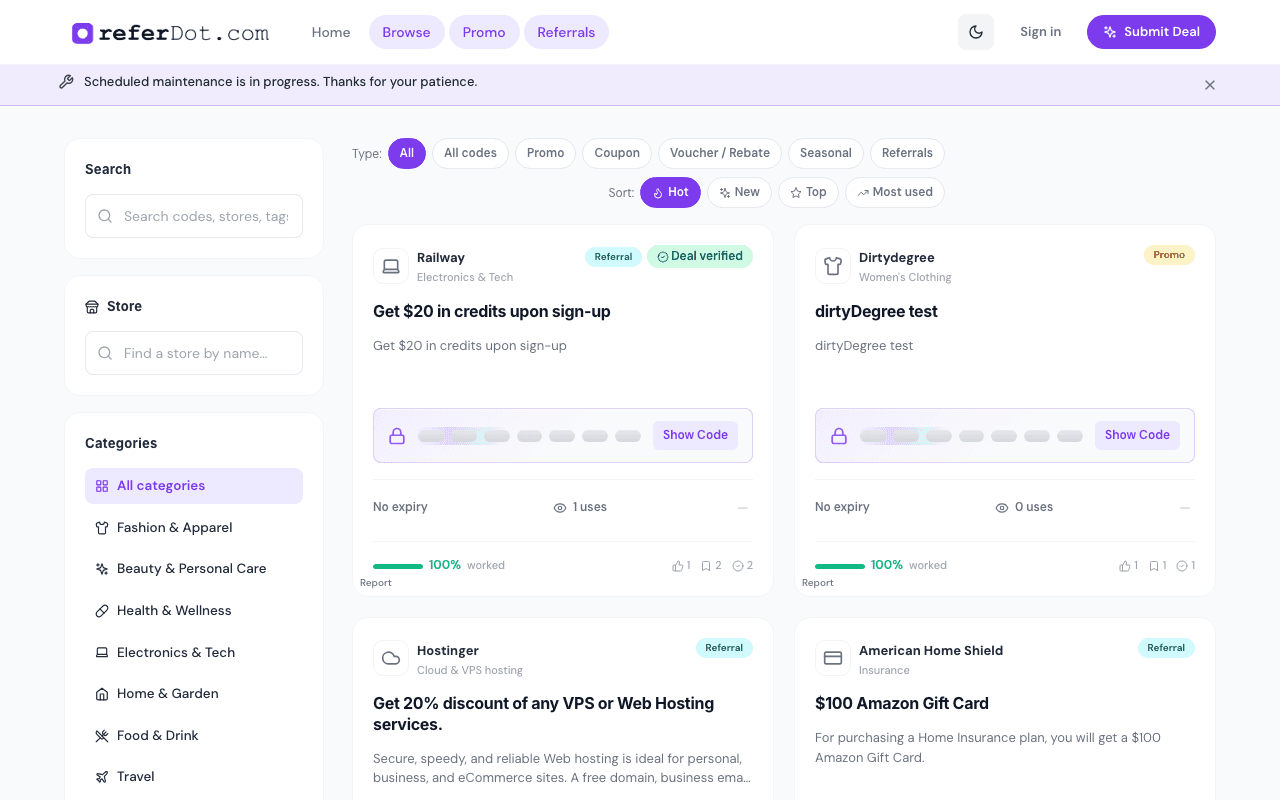
The home page highlights featured and trending content. Open Browse for the full catalog.
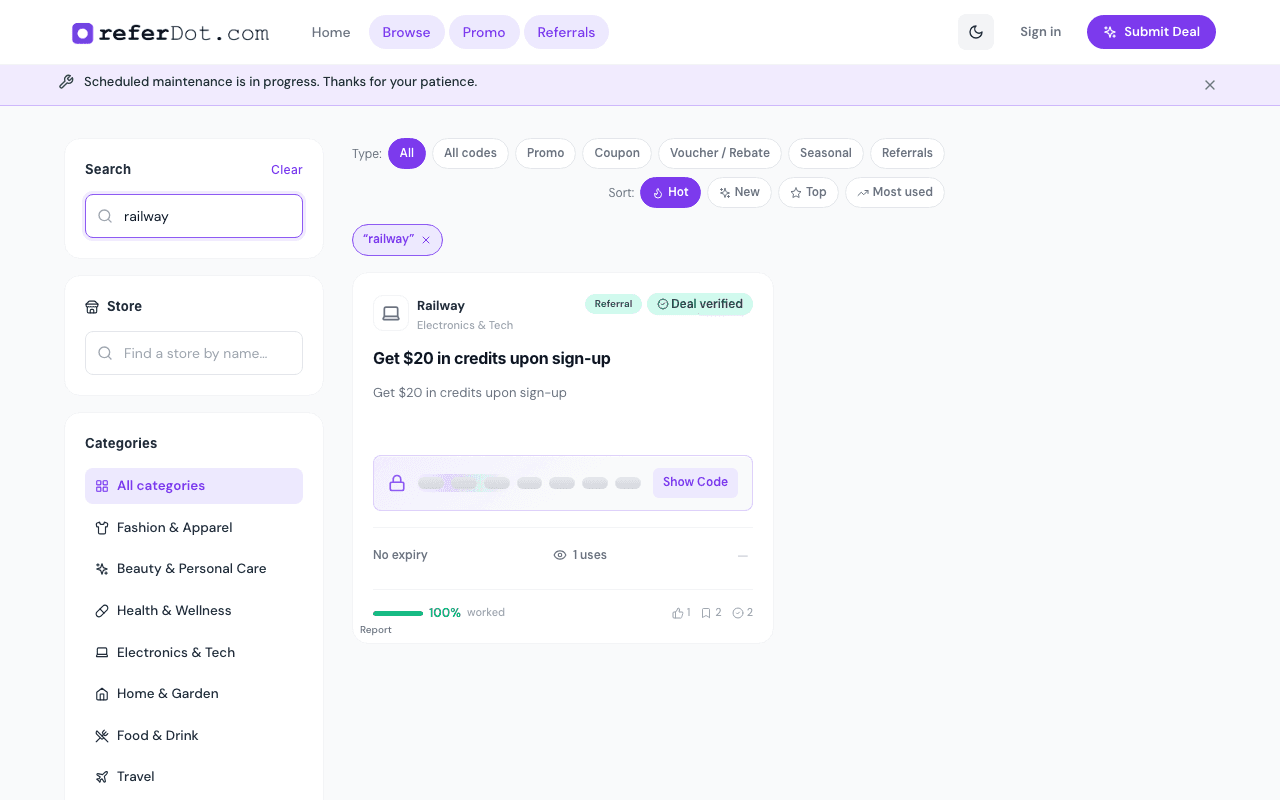
- Use categories and filters to narrow by store type, deal shape, or freshness (e.g. new vs top).
- Deal cards show key details at a glance — title, store, discount summary, and community signals where available.
Search
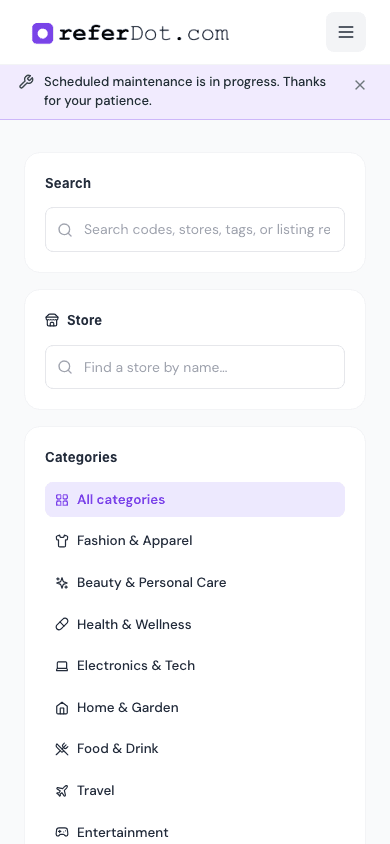
Use the main search control (typically in the header or hero) to find stores or offers by keyword. Results tie into the same deal cards as browse.
Deal pages
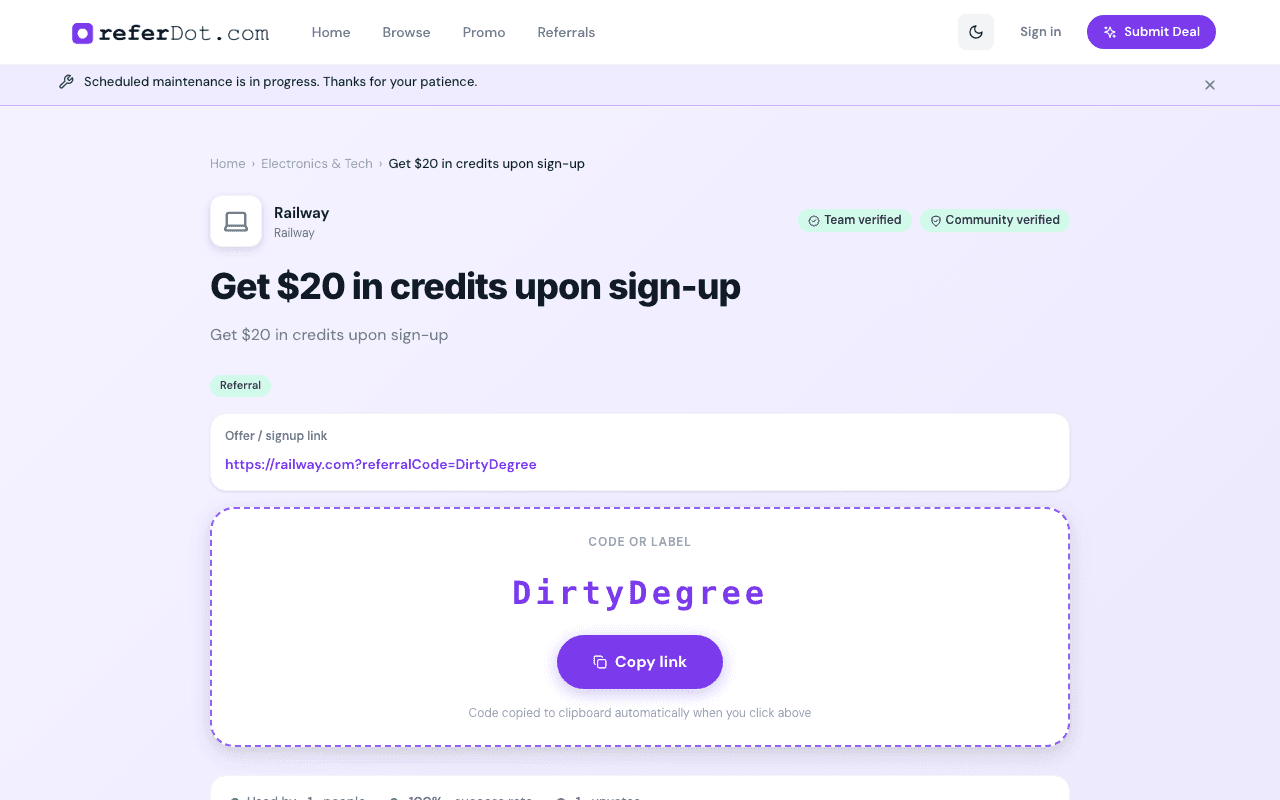
Each live offer has a deal page with full terms, expiry, tags, and a prominent way to copy the code or open the merchant link.
- Open any card from home, browse, or search.
- Copy the code (or follow the “shop” link for link-only offers).
- Optionally bookmark the deal when logged in.
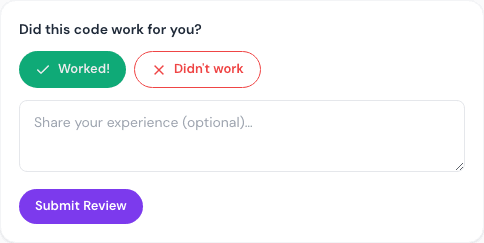
- Leave feedback after you try it (worked / didn’t work).
Submit a deal
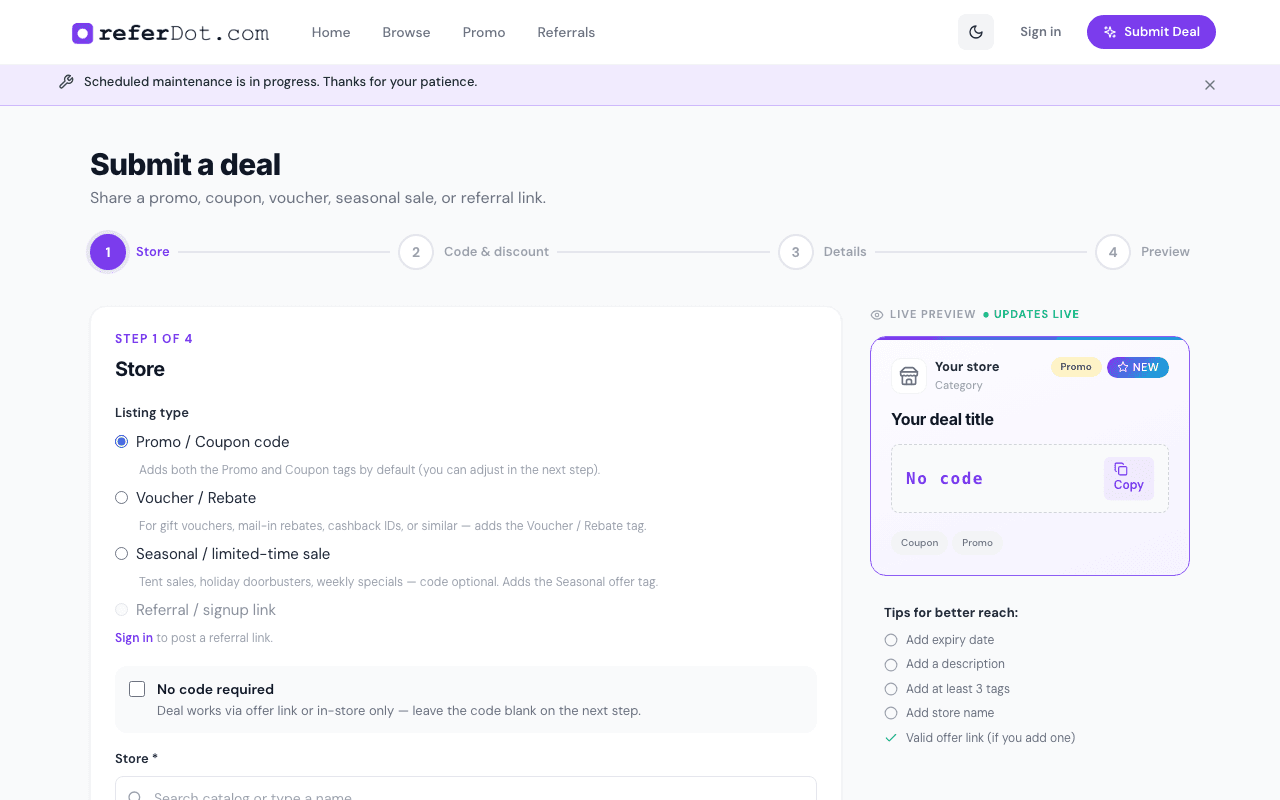
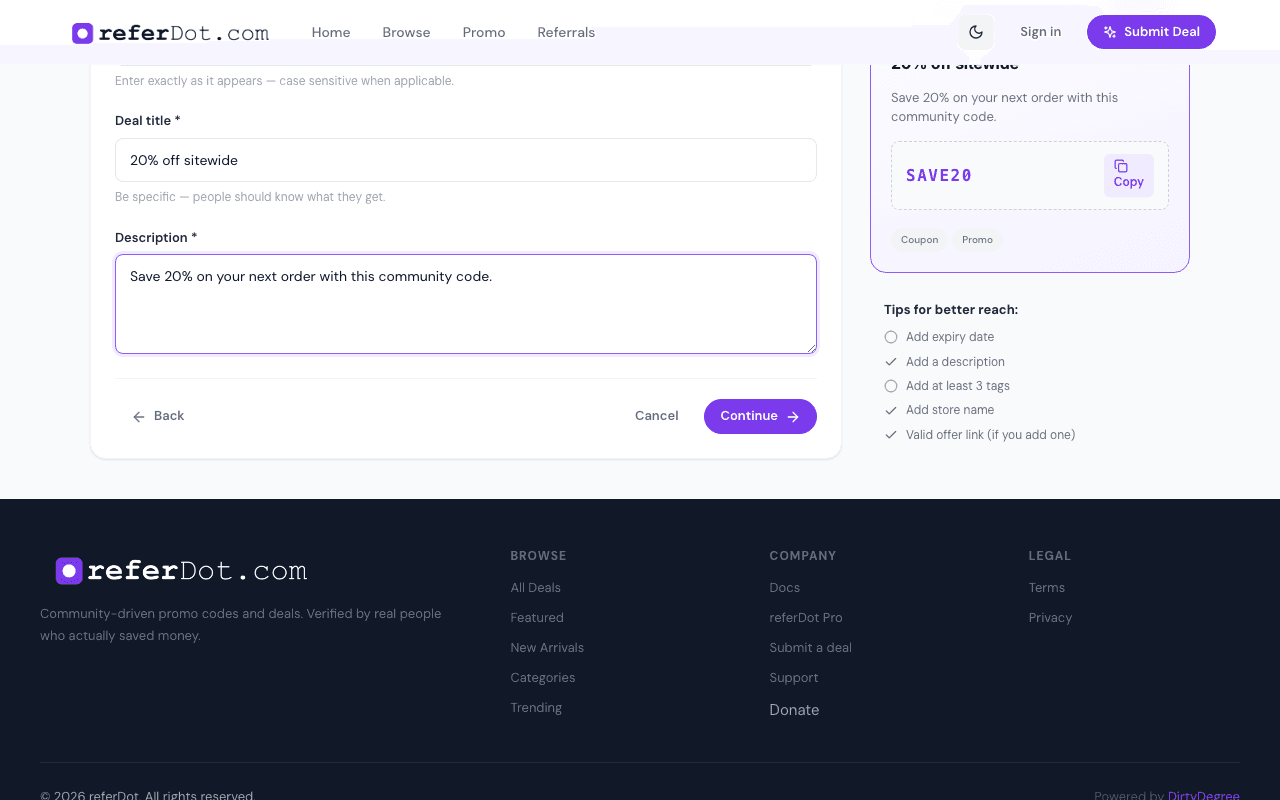
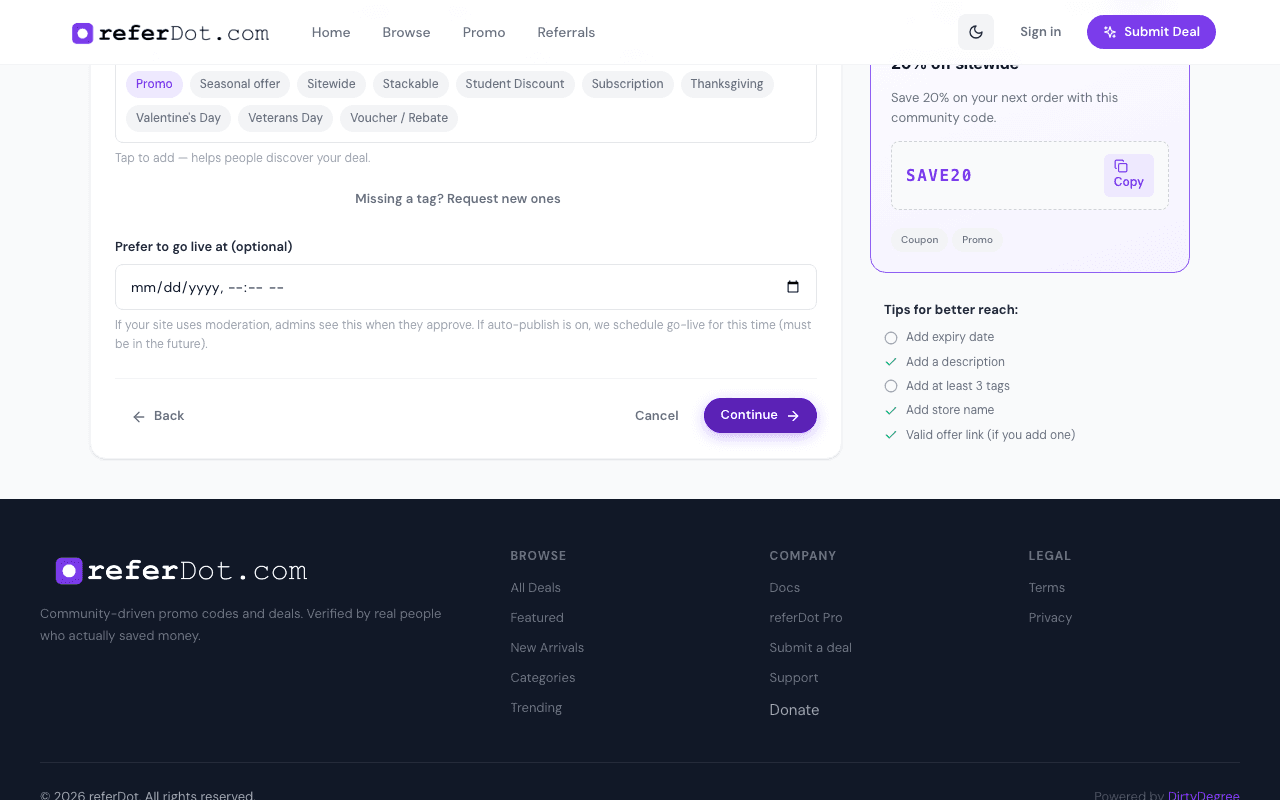
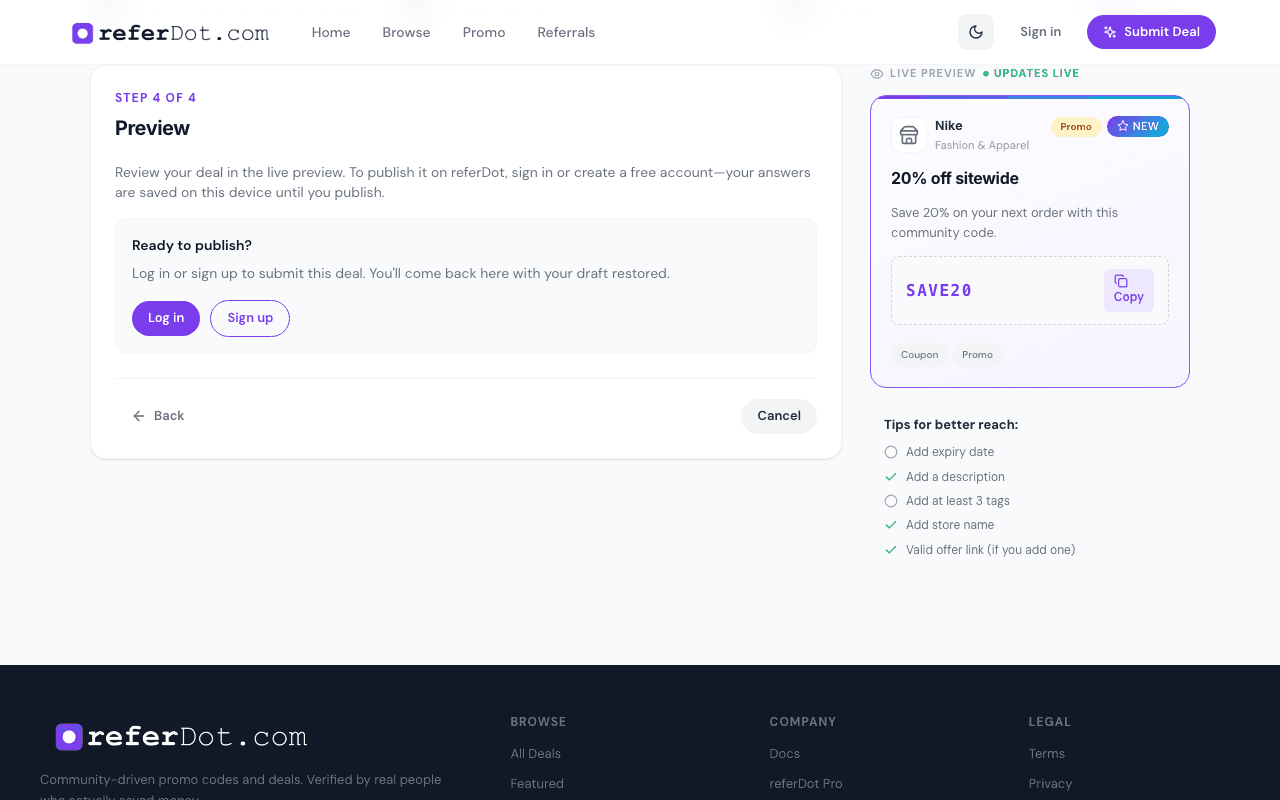
Go to Submit Deal and walk through the four steps: store, code & discount, details, then preview before publish.
- Choose the deal type (promo, coupon, referral, etc.) when the form offers it — some types require a code, others may use a link or rebate description.
- Pick a store from the directory or follow the flow to align with an existing brand.
- Add tags and an expiry so others can find and trust the offer.
- Your draft may be saved locally in the browser so you can continue later (behavior can vary by browser).
Your profile
Signed-in users can open Profile to see submissions, saved deals, and optional profile fields.
- Submitted — promos you posted.
- Saved — bookmarks.
- Profile — email, password, bio, and preferences. Set a password here if you joined with Google, or change the one you already use. Turn email or texts on or off, and choose deal notes daily, weekly, monthly, once in a while, or not at all.
- Community features (e.g. standing or badges) may appear when you participate regularly — copy here should match what the product currently shows.
Feedback & community
After trying a code, leave quick feedback so others know if it worked. Upvotes and success rates help sort the feed.
Help & support
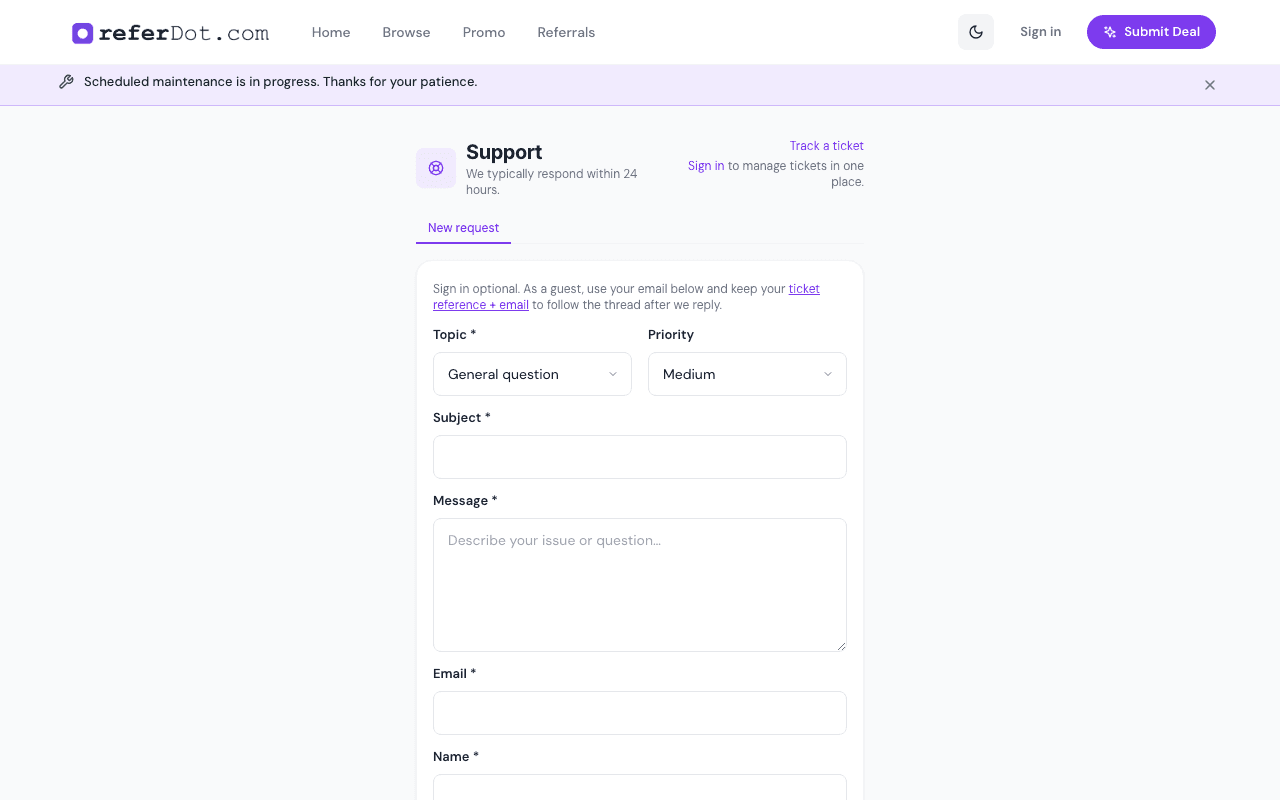
Need help? Use the Support flow to reach the team. You can often track a request or add context about an issue with a specific deal or account.
Screenshots refresh from the live product via scripts/capture-docs-screenshots.mjs.